Free offline budgeting software. Envelope and zero-based budgeting, reports and on-device insights. No account, no subscription, no bank login.
Click the button above. Your browser saves BudgetForge.AI-windows-x64.exe (about 117 MB) to your Downloads folder.
Double-click the file. If Windows SmartScreen appears, click More info, then Run anyway. Setup takes under a minute.
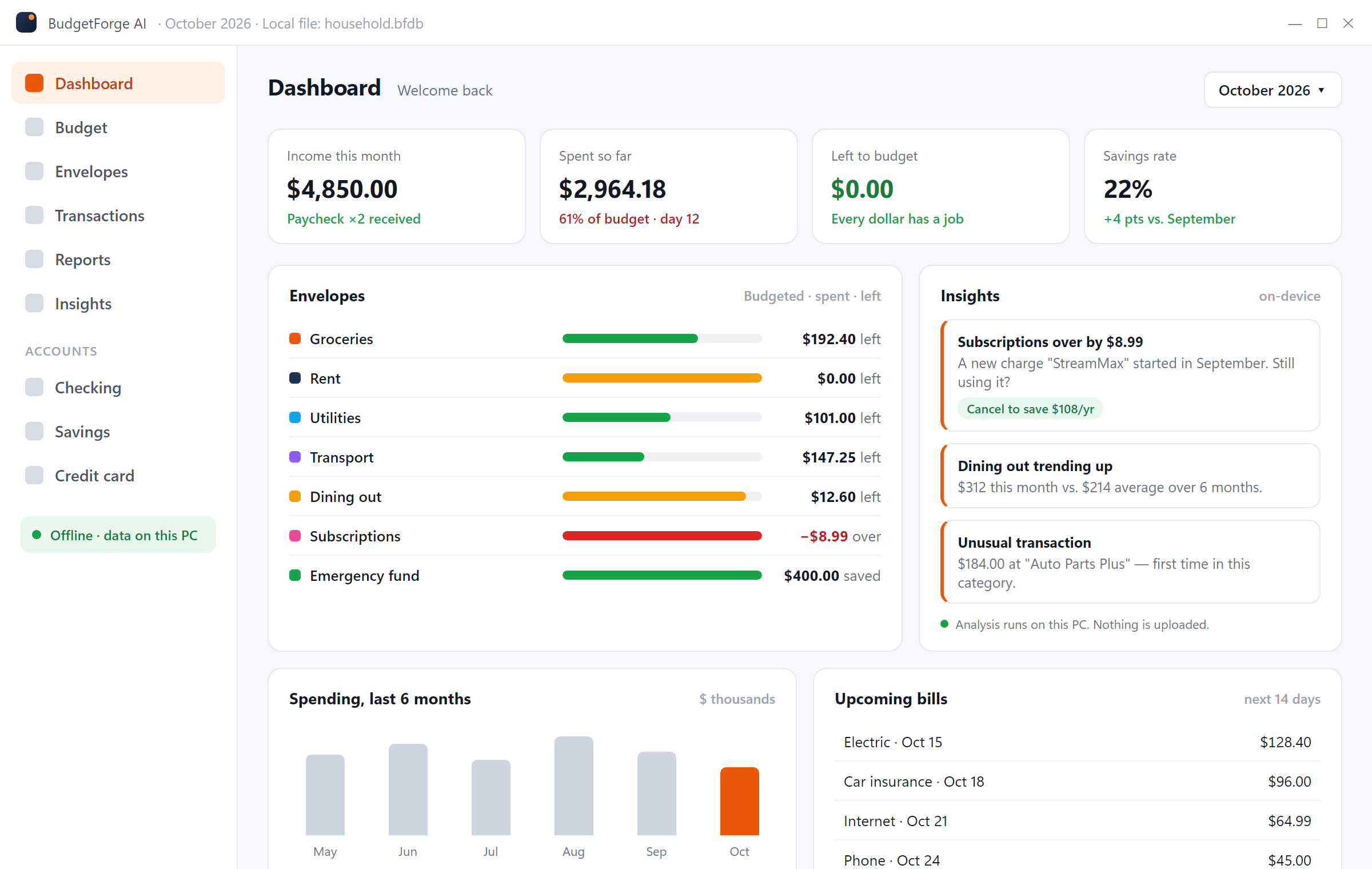
Open BudgetForge AI from the Start menu, enter your income, create envelopes and import your first bank CSV.
| Operating system | Windows 10 or Windows 11, 64-bit |
| Disk space | About 400 MB |
| Memory | 4 GB RAM |
| Internet | Only to download; not needed to use the app |
| Account | None |
Windows 10 or Windows 11, 64-bit, about 400 MB of free disk space and 4 GB of RAM. No internet connection is required after installation.
No. There is no sign-up, no trial period and no payment. Download, install and start budgeting.
SmartScreen warns about installers from newer publishers until they build download reputation. Download only from budgetforge.ai, scan the file if you like, then click "More info" and "Run anyway".
Open Settings > Apps > Installed apps, find BudgetForge AI and click Uninstall. Your budget file stays in your Documents folder until you delete it.
Not at the moment. BudgetForge AI is a Windows desktop app. You can export your data to CSV and use it anywhere.
One file, two minutes, and your budget lives on your own PC.
Download BudgetForge AI (free) BudgetForge