A complete list of what the free Windows budgeting app does, and what it deliberately does not do.
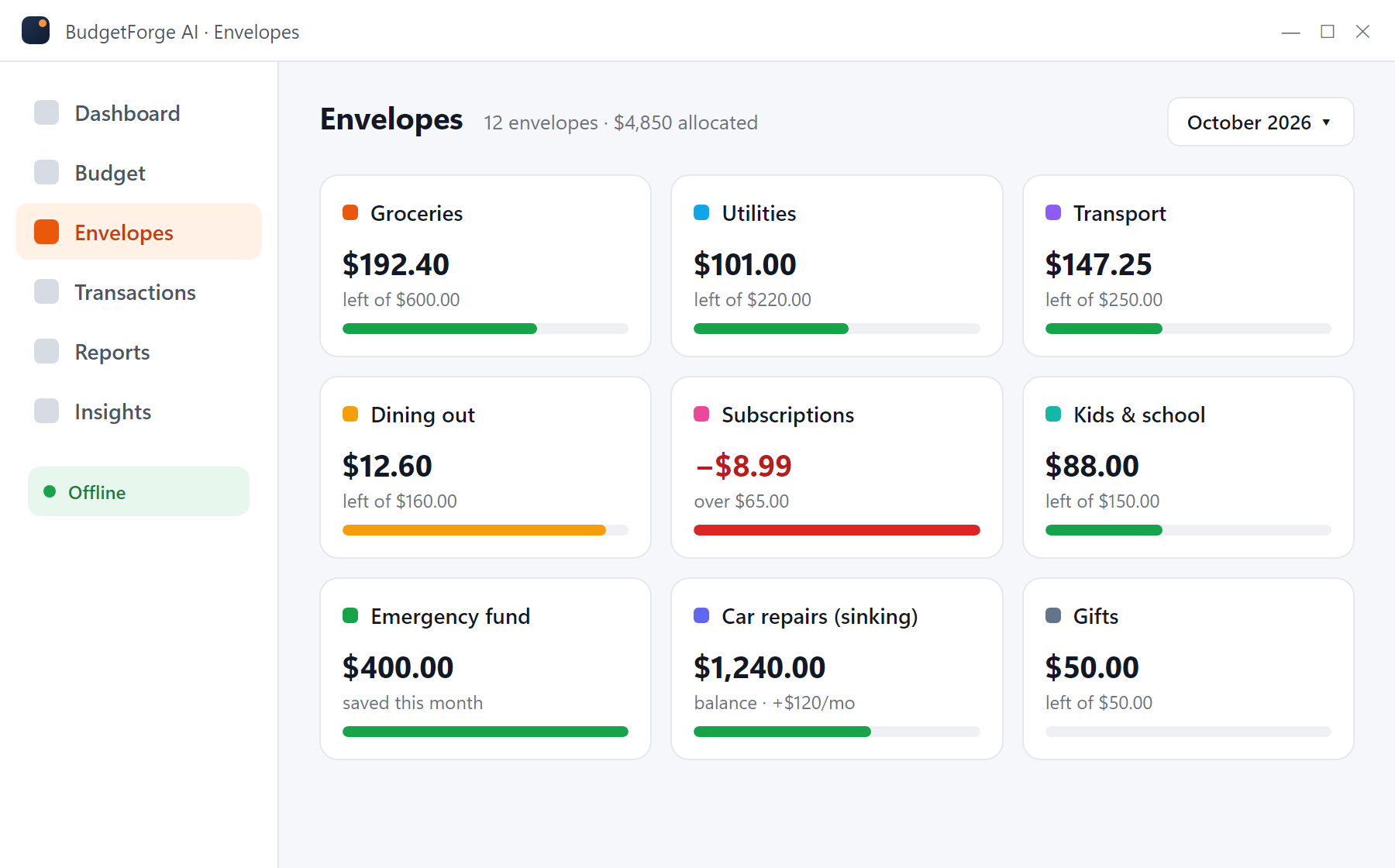
Create an envelope for every spending category and fund it from income. Each transaction reduces the envelope, and the app shows exactly what is left. Overspent envelopes turn red; move money from another envelope to cover them. Sinking-fund envelopes (car repairs, holidays, annual insurance) roll their balance forward month to month.
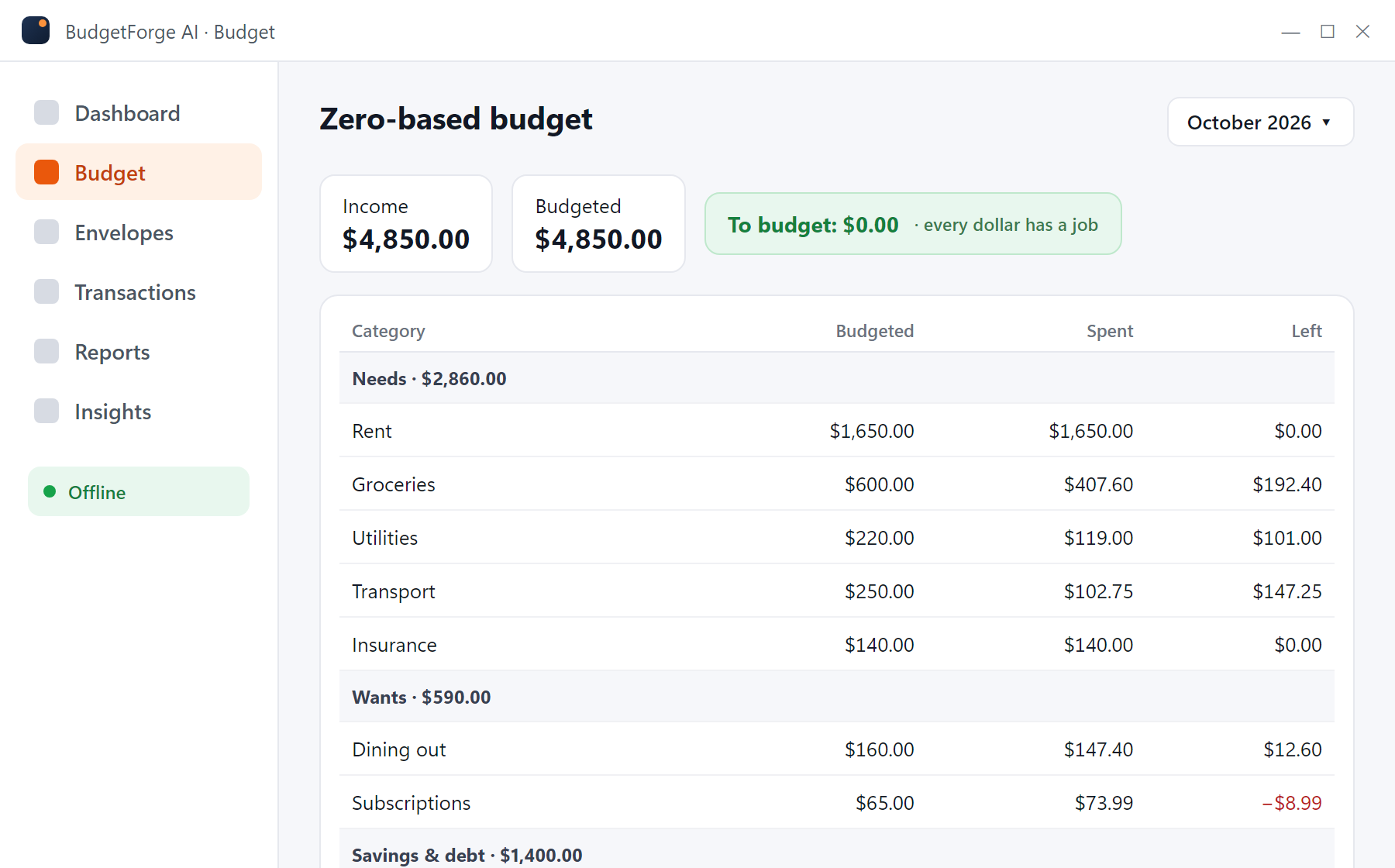
Enter the month's income, then assign it to categories until the "To budget" figure reaches $0.00. Categories are grouped (needs, wants, savings and debt) so you can check your split at a glance. Mid-month changes are expected: reassign money and the totals update instantly.
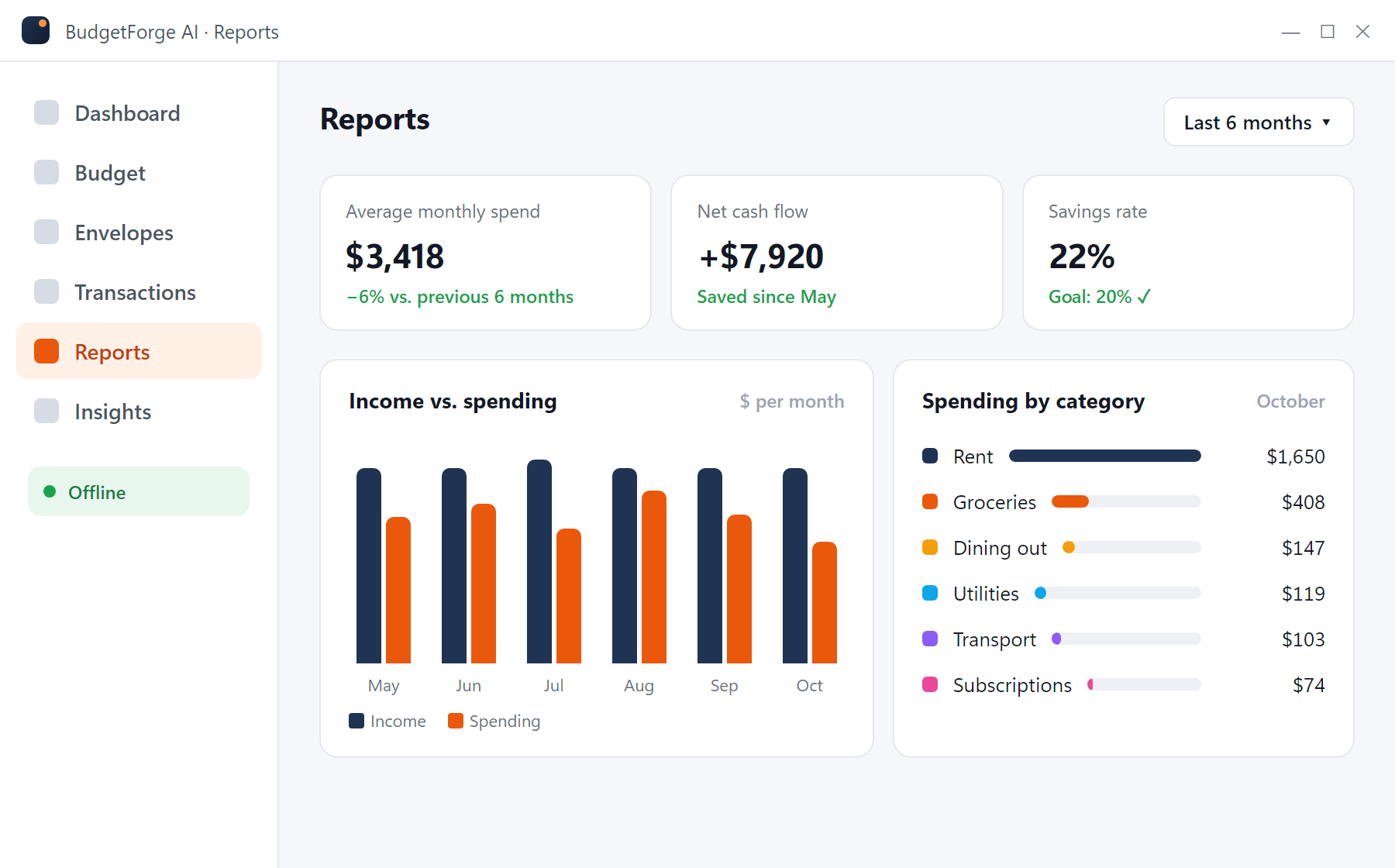
Spending by category, income versus expenses by month, savings rate and net cash flow. Reports cover any date range and can be exported to CSV for a spreadsheet.
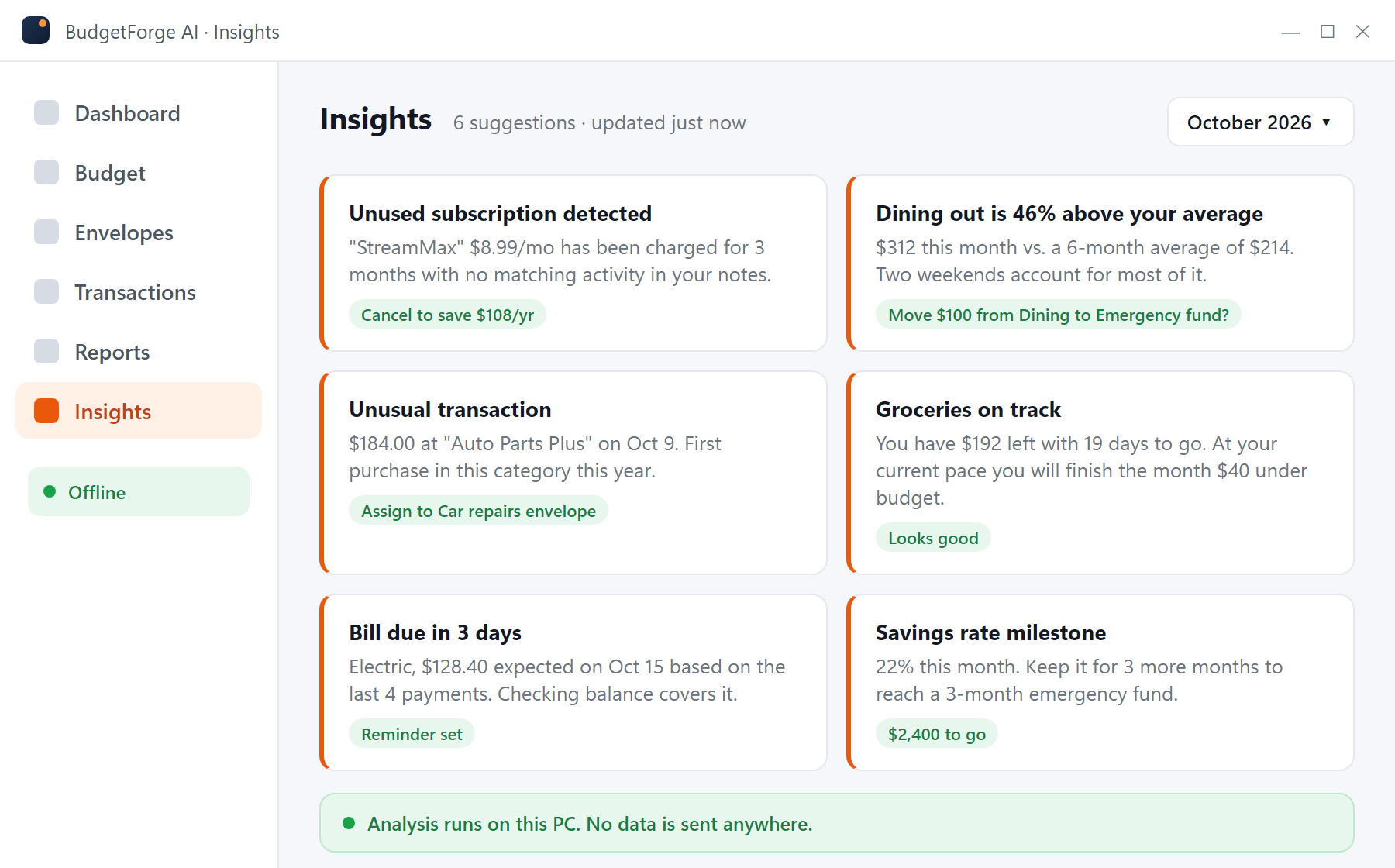
The insights engine runs on your PC against your own transaction history. It surfaces recurring charges that look unused, categories trending above their average, first-time merchants with large amounts, upcoming bills and savings-rate milestones. Nothing is uploaded; there is no server behind it.
| Area | What it does |
|---|---|
| Accounts | Checking, savings, cash, credit cards and loans; multiple currencies side by side. |
| Transactions | Manual entry with autocomplete, split transactions, transfers, notes and tags. |
| Import | CSV and QFX files from any bank; column mapping saved per bank; duplicates detected on re-import. |
| Export | All data to CSV at any time. Reports to CSV. |
| Recurring bills | Expected amount and due date, reminders on the dashboard. |
| Storage | A single local database file in your user folder. Back it up like any file. |
| Privacy | No account, no telemetry on your finances, no bank login. Optional update check can be disabled. |
| Platform | Windows 10 and 11, 64-bit. Installer about 117 MB. |
Free for Windows 10 and 11. No account, no subscription, no bank login. Your data stays on your PC.
Download BudgetForge AI (free) BudgetForge